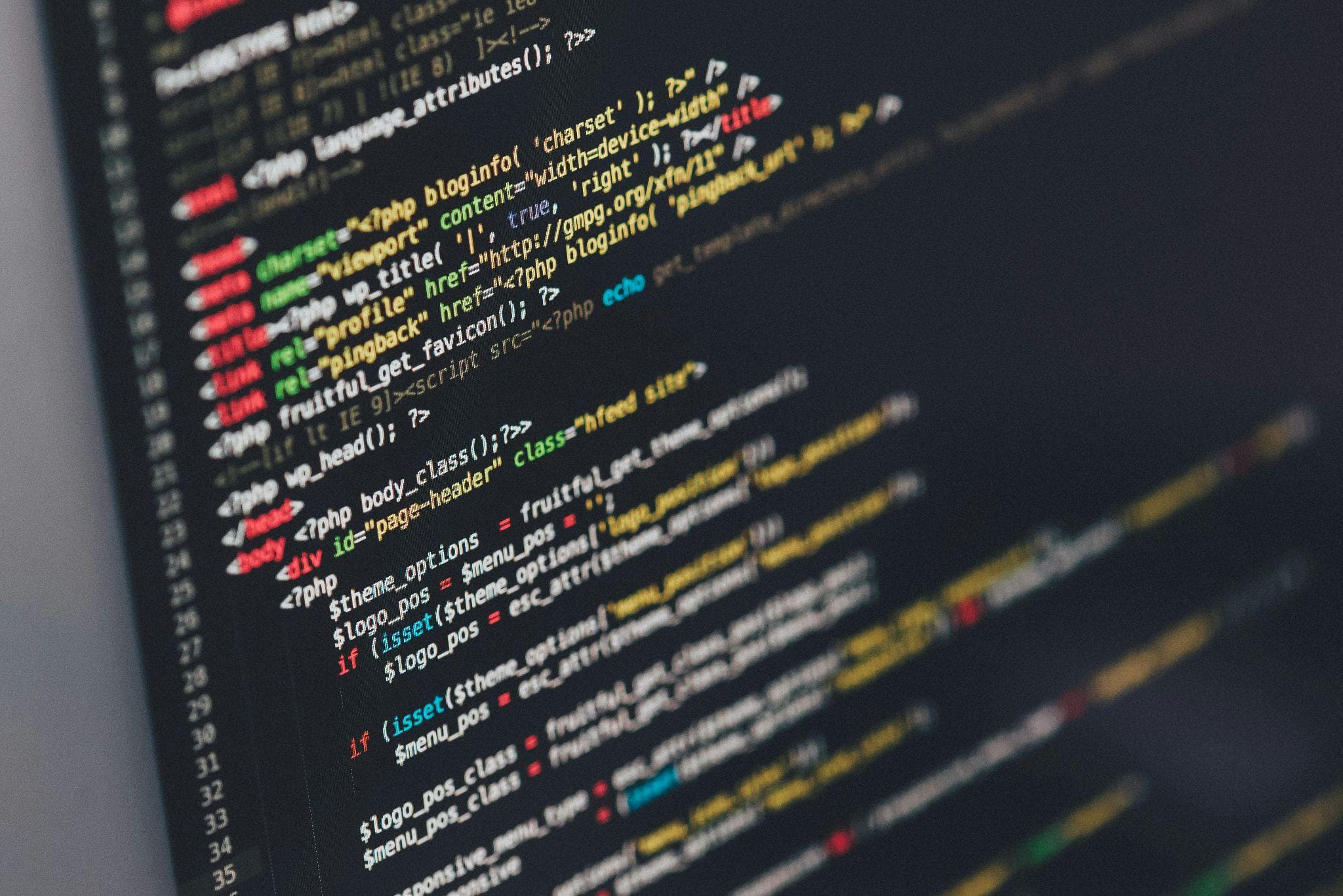
Being honest, some of us tolerate a surprising amount of mess in the places no one else sees. We might keep the surface of our desks neat, while our codebase looks like that one closet where everything gets shoved when guests come over. You know how you can make sense of that closet only because you are the one who piled things in there. To everyone else, it is just a stack of mystery items.
Messy code behaves the same way. It feels familiar to the person who wrote it last week, then turns into noise for everyone else, including that same developer a month later. That is the reason clean code comes up so often. It is not about being stylish or following the latest book. It is about avoiding the quiet pain that messy code causes over time.
What Clean Code Really Means
Clean code is not flawless or fancy; it is simply well-written. It is code that another human being can read, follow, and change without feeling lost. Someone else can open the file, follow what is happening without guessing too much, and fix or extend it without fear that everything will explode.
It is less about clever tricks and more about kindness to the next person who touches that file. And very often, that next person is you in three months, after you have forgotten all the shortcuts you took and why you named that variable “x1” instead of something that made sense.
When people describe clean code, they are usually pointing to a few simple qualities. Clear, descriptive names. Functions that focus on a single job. Control flow that moves in a straight, predictable way. Comments that explain the intention behind unusual choices instead of repeating what the code already says. None of this looks glamorous, but together it turns source code from a puzzle into a straightforward story.
Why it Matters More Than You Think

Bad code usually works in the beginning. That is why it is tempting. You push the feature, it passes QA, everyone is happy, and you move on. There is no alarm that goes off when you create a mess. The problems show up later.
A small change breaks something far away. A teammate spends a whole day trying to understand a file that should have taken ten minutes to comprehend. Bugs keep coming back because nobody is quite sure which part of the code is safe to touch. Over time, fear creeps in. People stop refactoring because they do not trust what might happen. Eventually, the codebase turns into a fragile machine that no one wants to open.
Clean code does the opposite. It lowers the cost of change. When the structure is clear, you are not scared to adjust it. When logic is simple, bugs are easier to find. When functions and modules are well-named and separated, new team members can join the project and become productive more quickly.
You can think of it like good roads in a city. You can still drive on bumpy, confusing streets, but every trip takes longer, and accidents are more common. Clean code is smooth roads and clear signs.
Principles That Keep Code Clean
Underneath most clean code advice, there are a handful of basic principles. They are not strict rules, but if you follow them, you usually move in the right direction.
One of the most important is valuing readability over cleverness. Just because you can compress several conditions into one dense line does not mean that you should. If breaking that line into a few clear steps makes the intent obvious, the clearer version is the better one. The computer does not care about elegance. The people reading your code do.
Another principle is keeping units of code small and focused. A function that scrolls off the screen is often doing too much. Breaking it into smaller pieces, each with a clear name, makes the logic easier to test and reason about. It also makes bugs easier to trap.
Practices That Actually Help Day to Day
It is one thing to agree that clean code is good. It is another thing to build habits that keep code clean when deadlines are tight and requirements keep changing.
Refactoring is one of those habits. Not a huge rewrite every six months, but small cleanups as you go. You add a feature, and along the way, you notice a confusing function. You rename it. You split it. You straighten a small piece of logic that has always bothered you. These tiny repairs add up. It is like tidying your desk a little each day instead of letting the pile take over the whole room.